
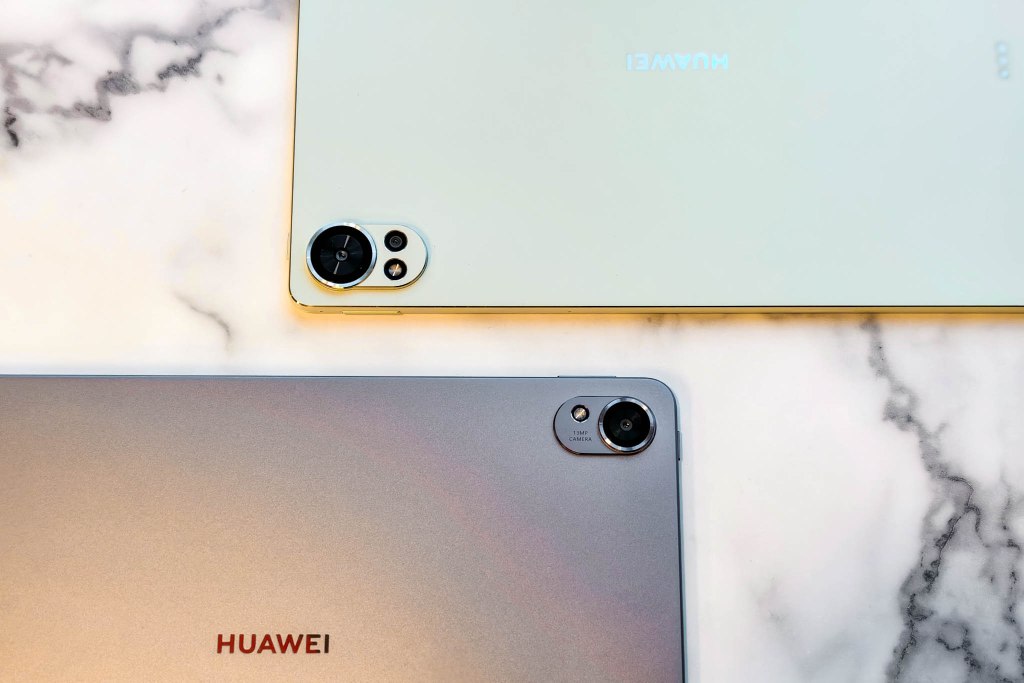
After more than a month of using the latest HUAWEI Matepad 11.5 S and 12 X, we’d say they’re great tablets for both multimedia and productivity that meet our needs.
Here are the things we like about these tablets:
Design and build
The HUAWEI Matepad 12 X and Matepad 11.5 S share a similar design. They have curved edges, a frosted back that prevents fingerprint smudges, stereo speakers on either side, a power button on the left, volume buttons on the top, and a USB Type-C port on the right side. The camera designs are slightly different. The HUAWEI Matepad 12X features an additional wide-angle lens.
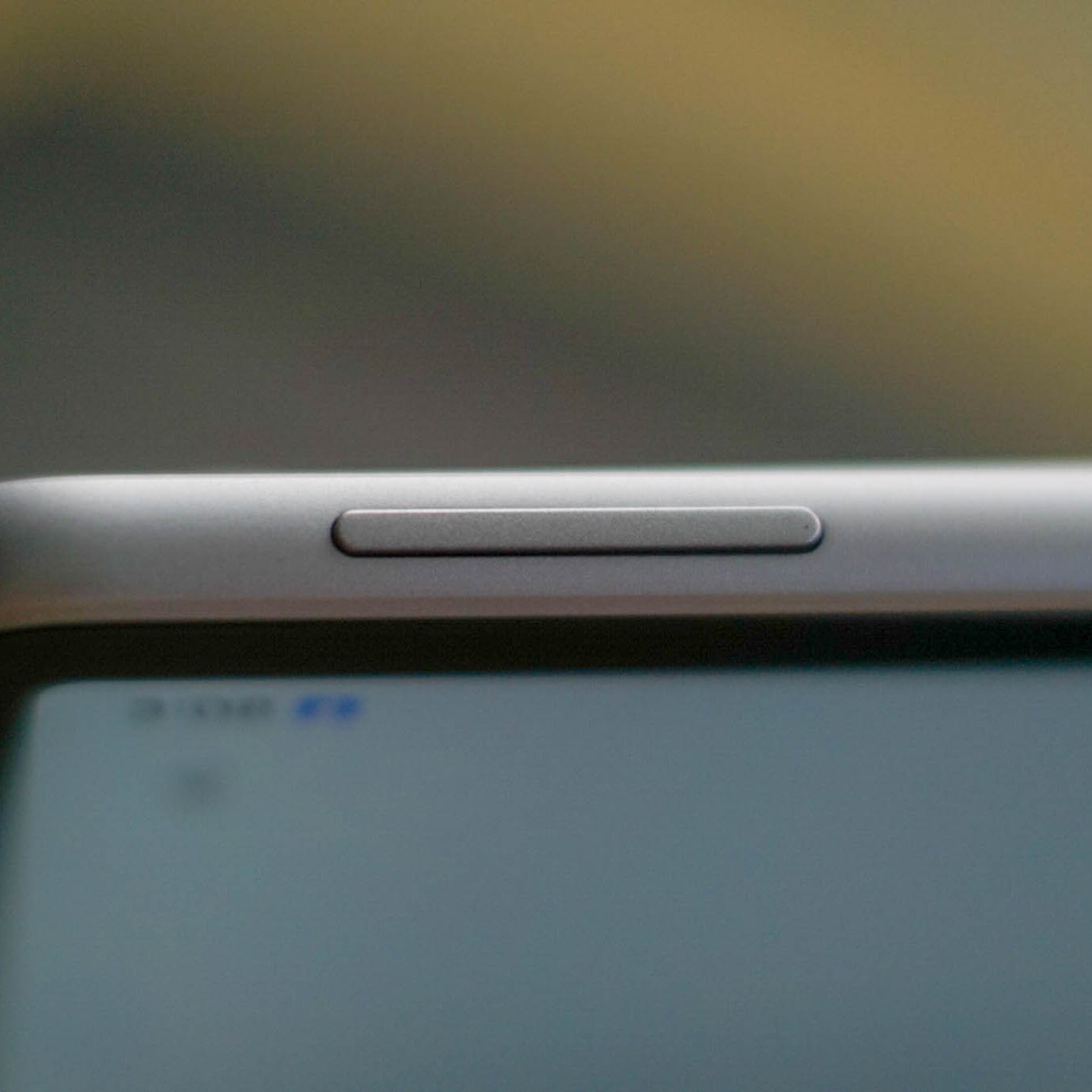
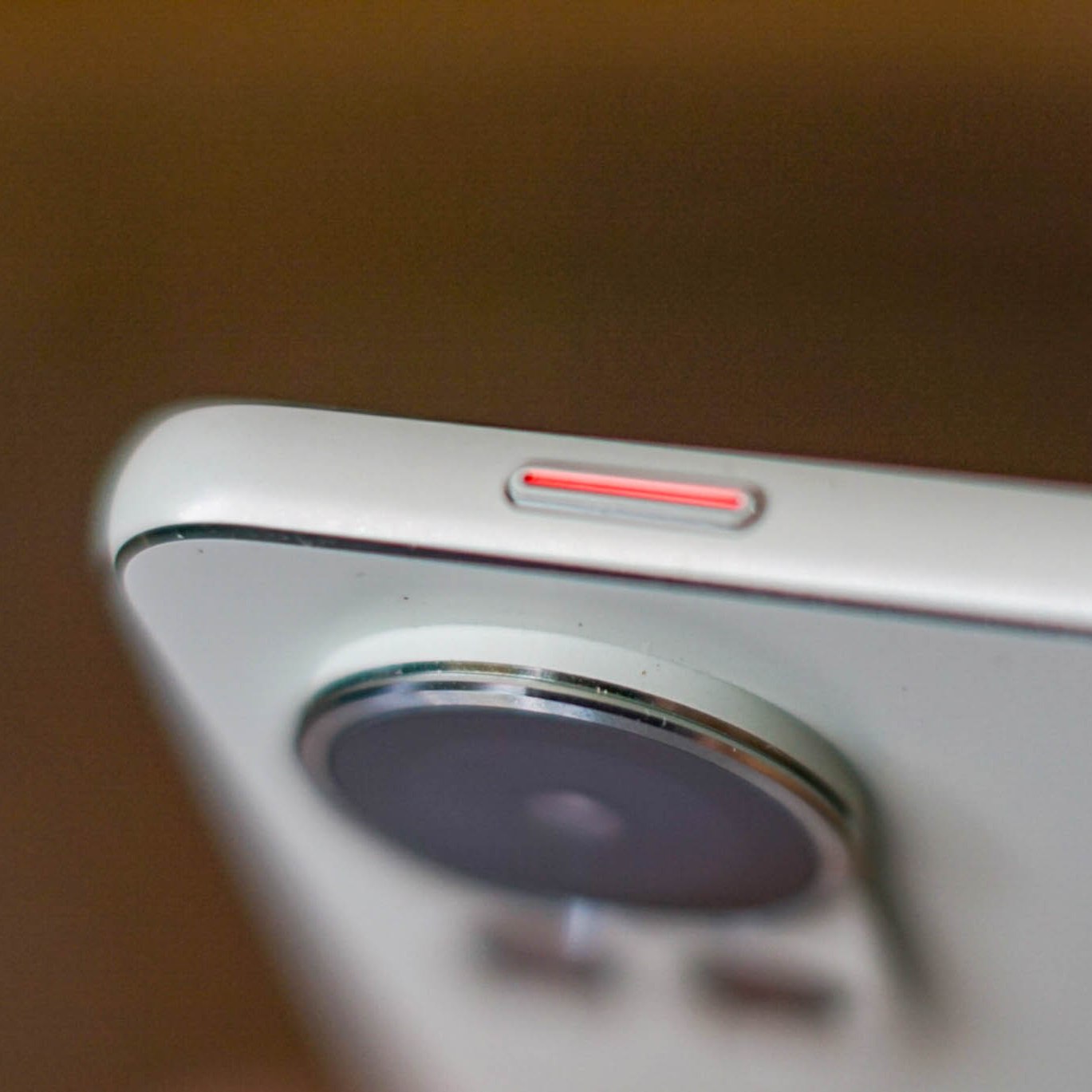
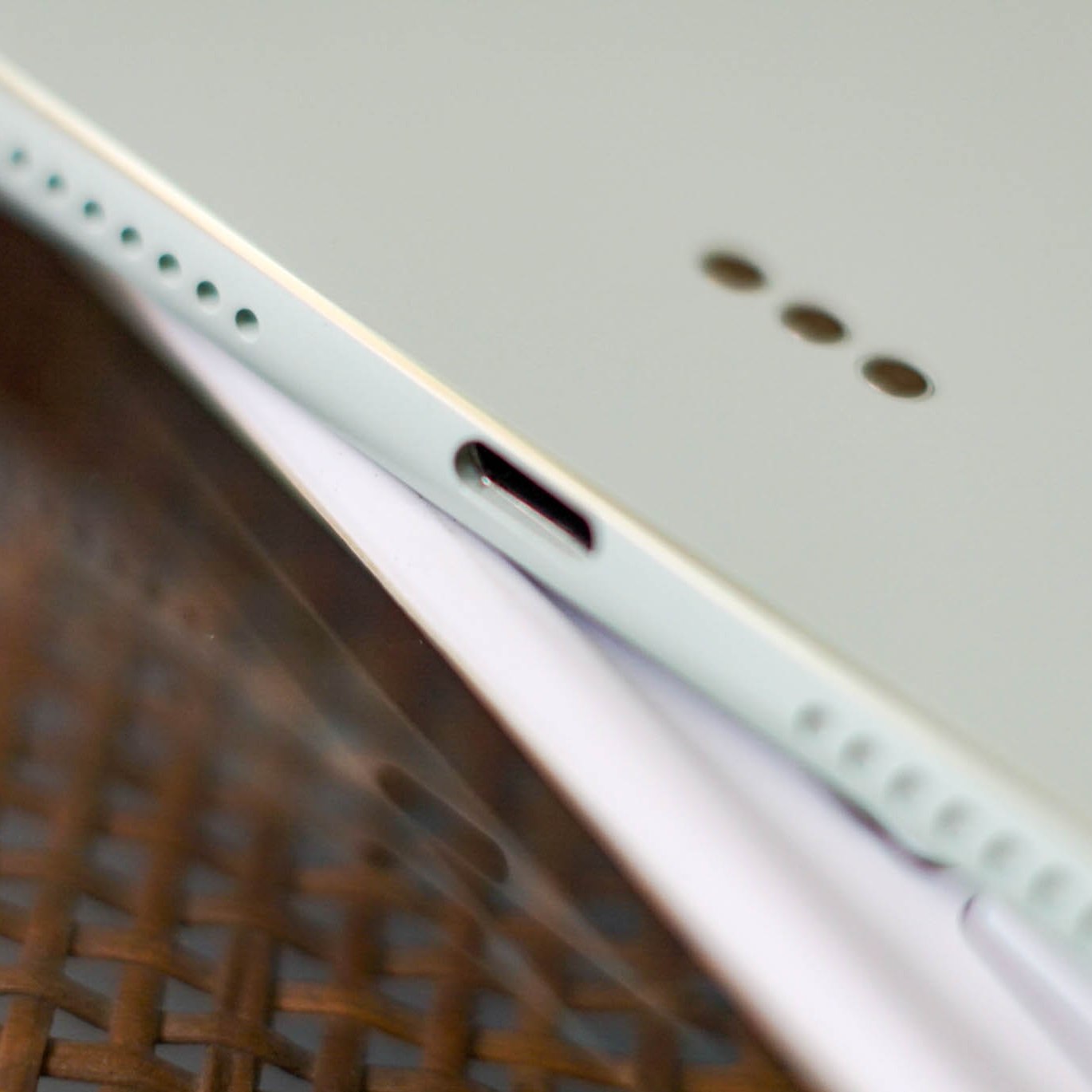

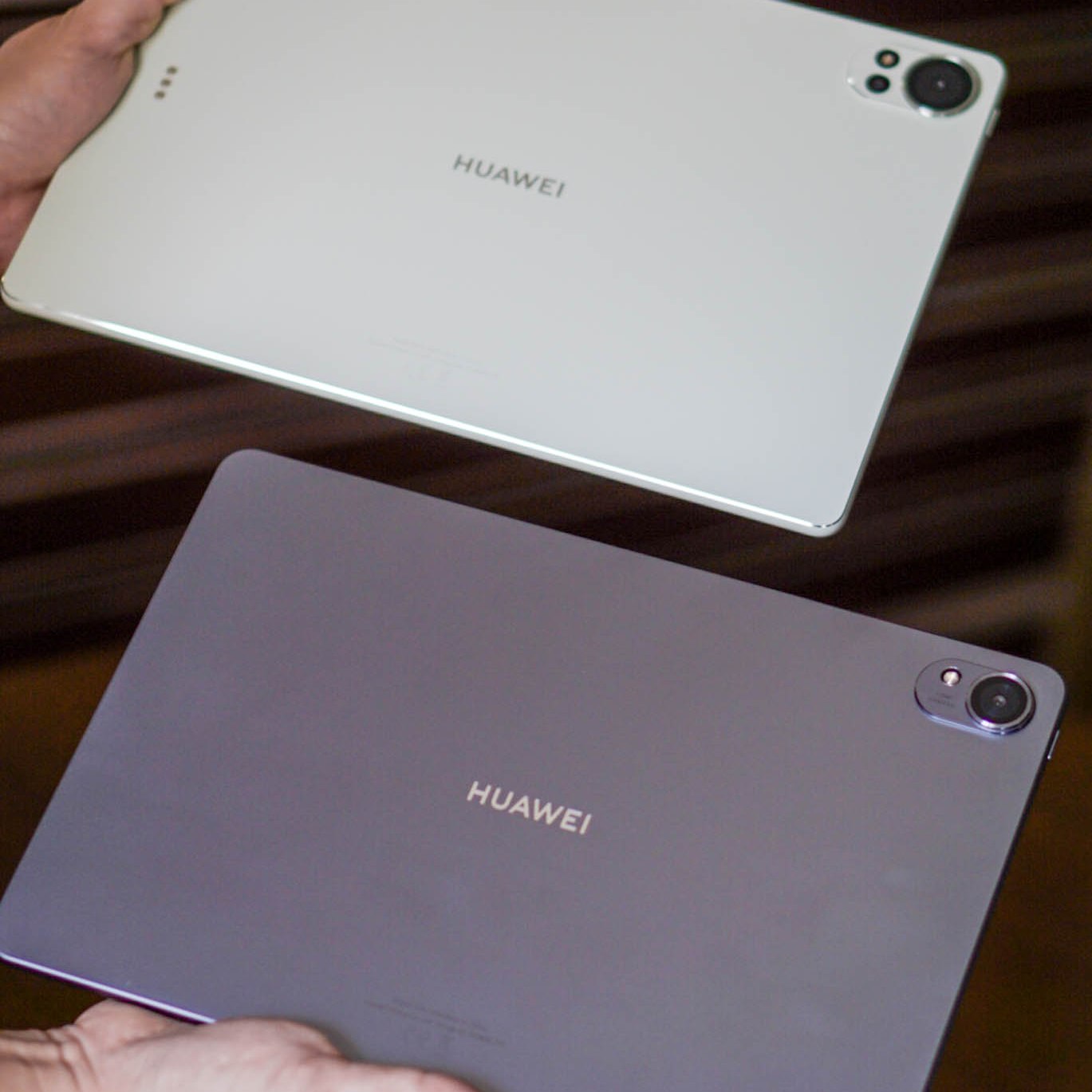
They are ergonomically handy for us, even with a case, and the tablets are thin and light.
Display
The HUAWEI Matepad 12 X has a 12-inch screen, while the Matepad 11.5 S has an 11.5-inch screen. Both tablets feature a 2.8k resolution IPS LCD panel with a 30 to 144Hz adaptive refresh rate.
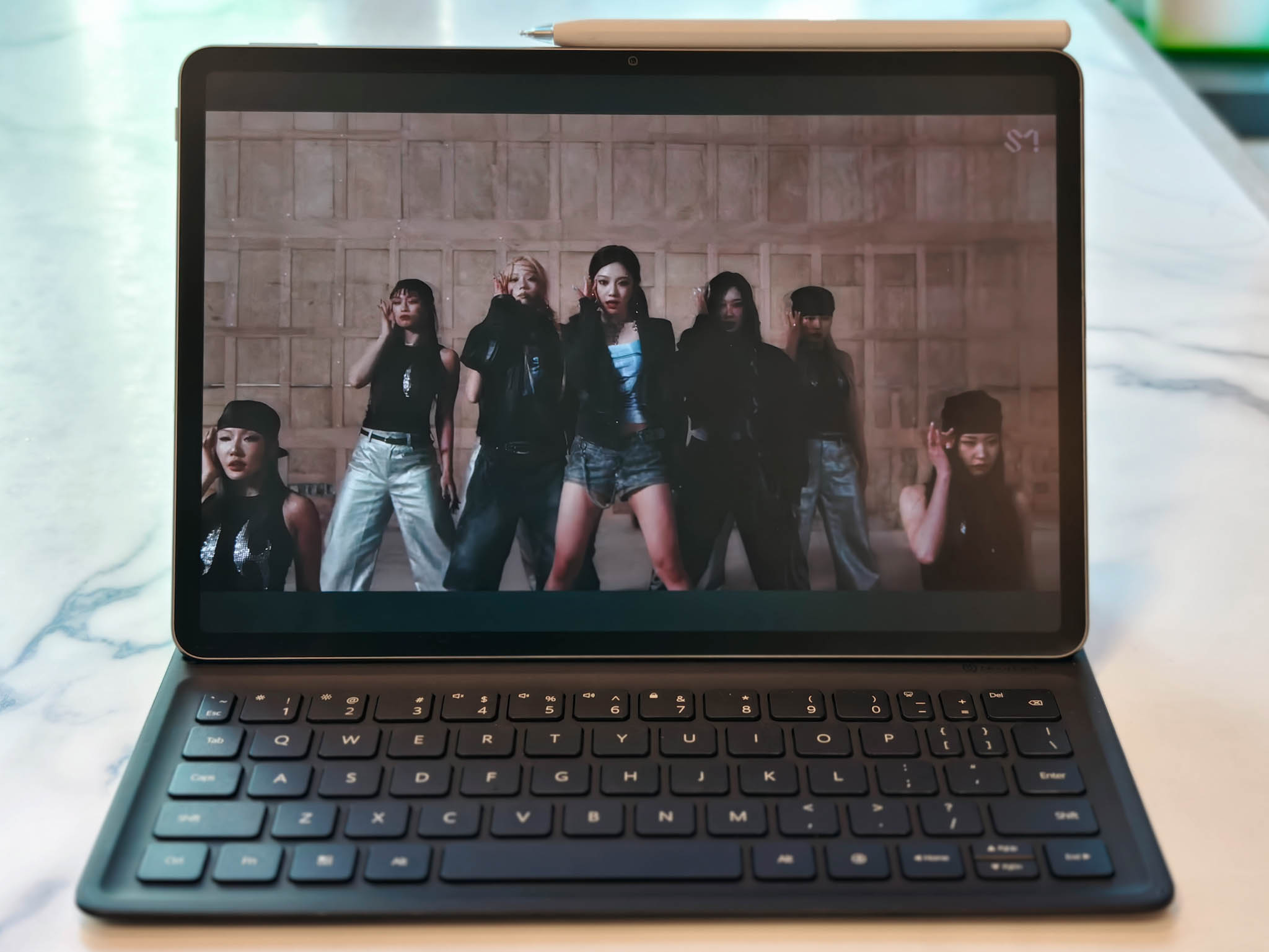
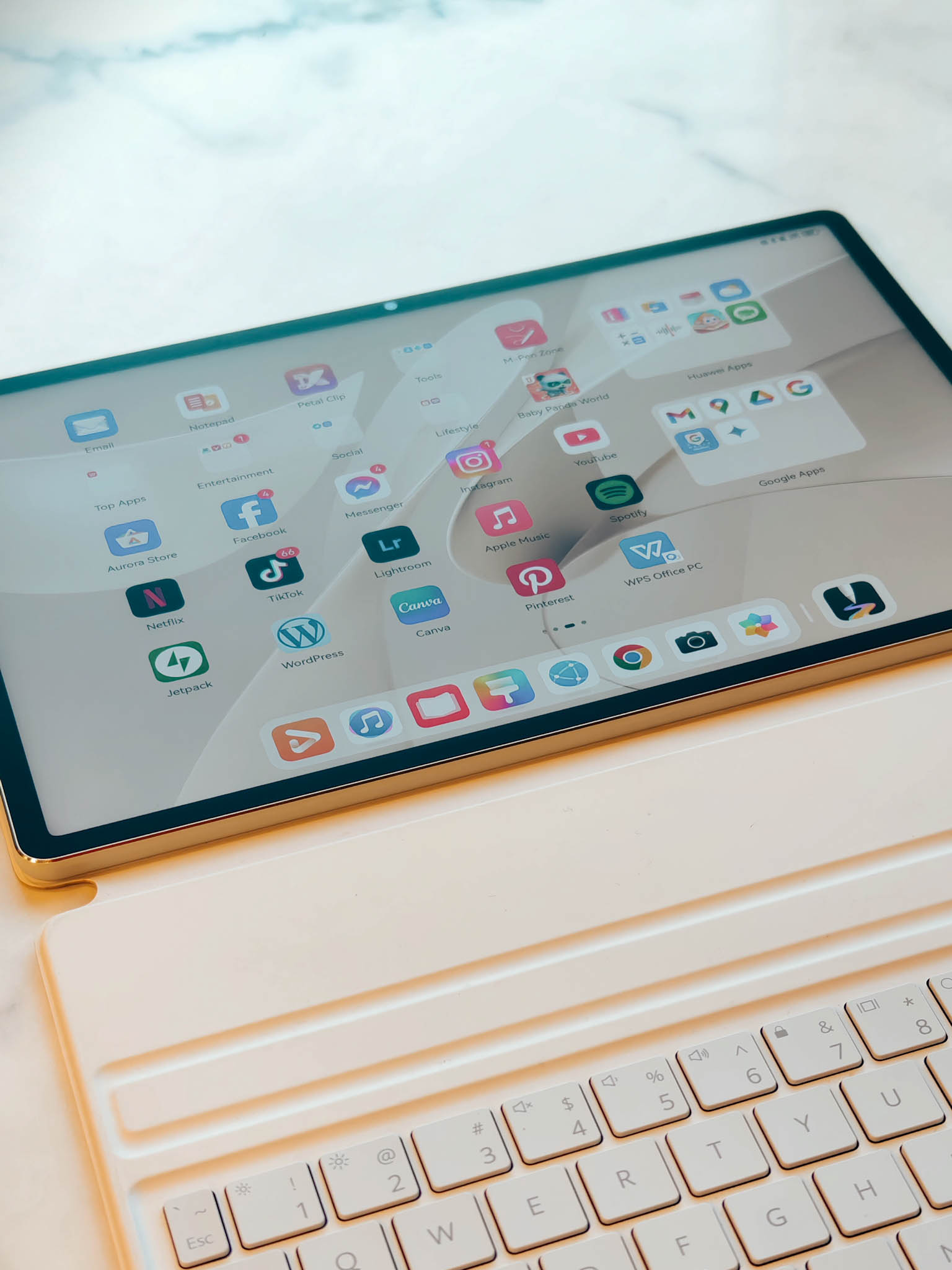

Both of our tablets are the PaperMatte edition, which reduces glare by 60%. We particularly appreciate the PaperMatte display; not only does it minimize fingerprints, but it also offers excellent color reproduction, especially in bright environments.
I would also like to add that both tablets have amazing speakers, and their displays further enhance their multimedia capabilities.
Keyboard and Pen
We really love how the HUAWEI Smart Magnetic Keyboard and HUAWEI M-Pencil work seamlessly with both tablets, thanks to their NearLink technology. The keyboard doubles as an elegantly designed case. The 3rd-generation M-Pencil is comfortable to hold and boasts over 10,000 pressure sensitivity levels, working beautifully with the GoPaint app. This, combined with the PaperMatte Display and NearLink’s ultra-low latency, makes drawing or sketching feel just like pen on paper.
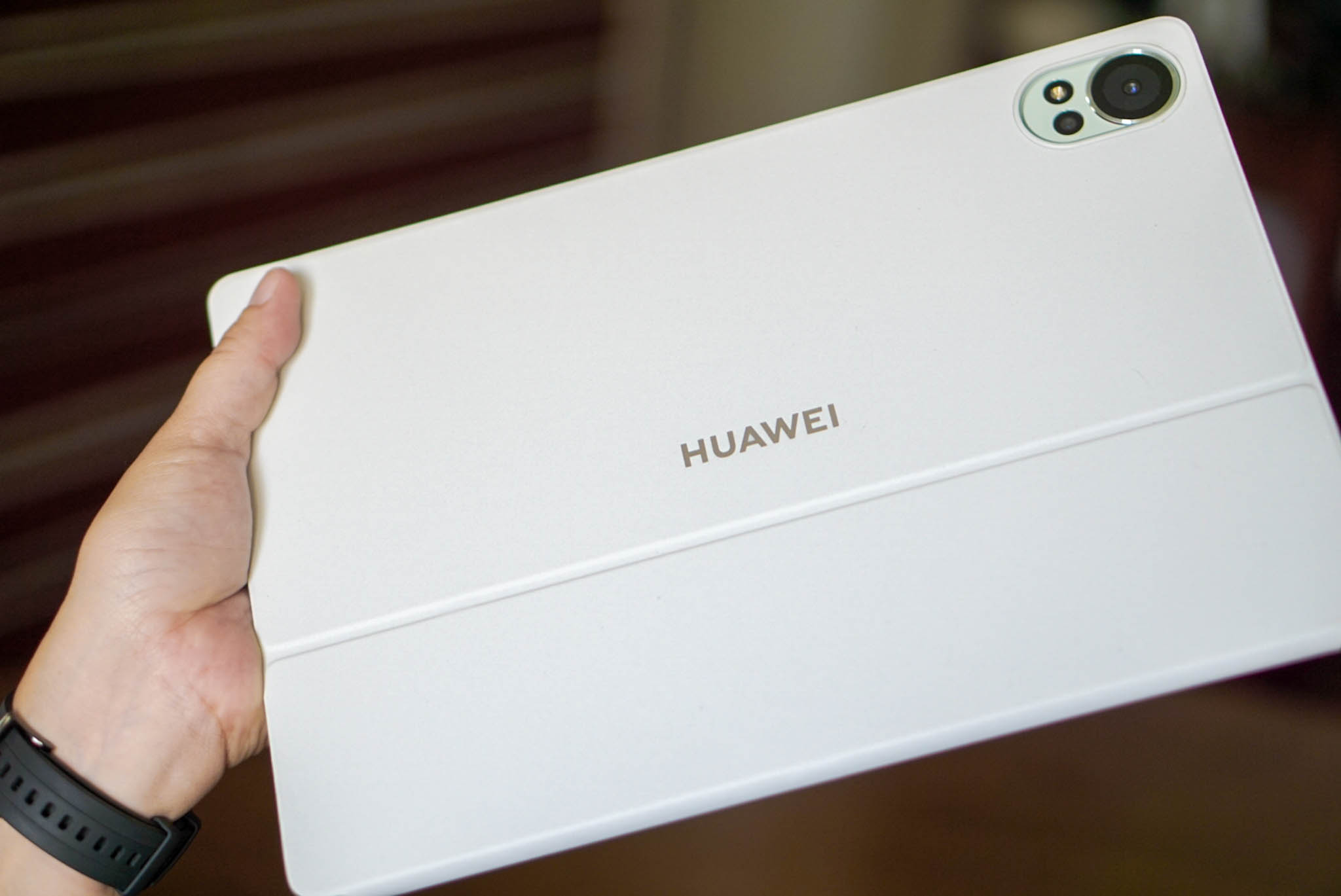
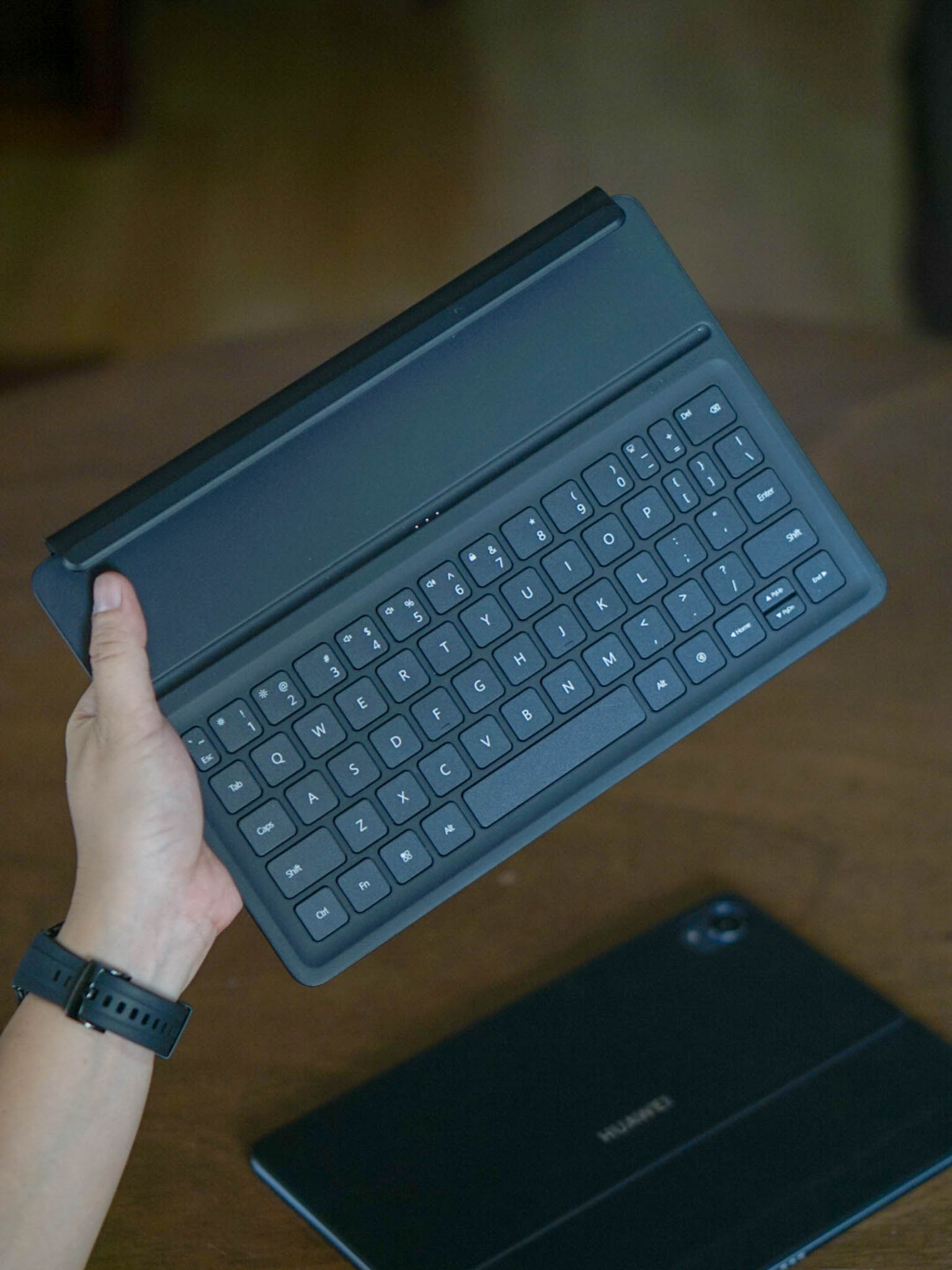
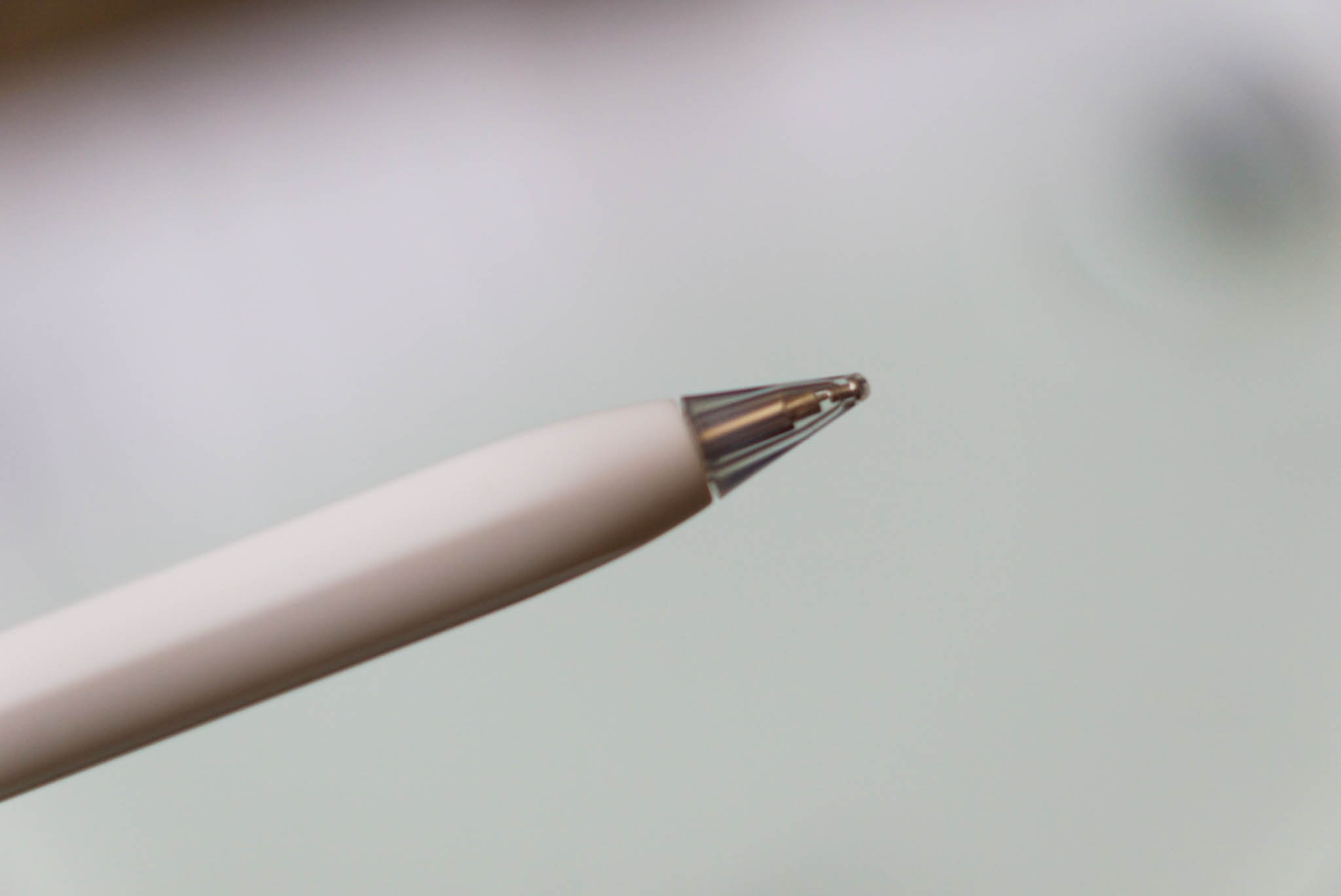
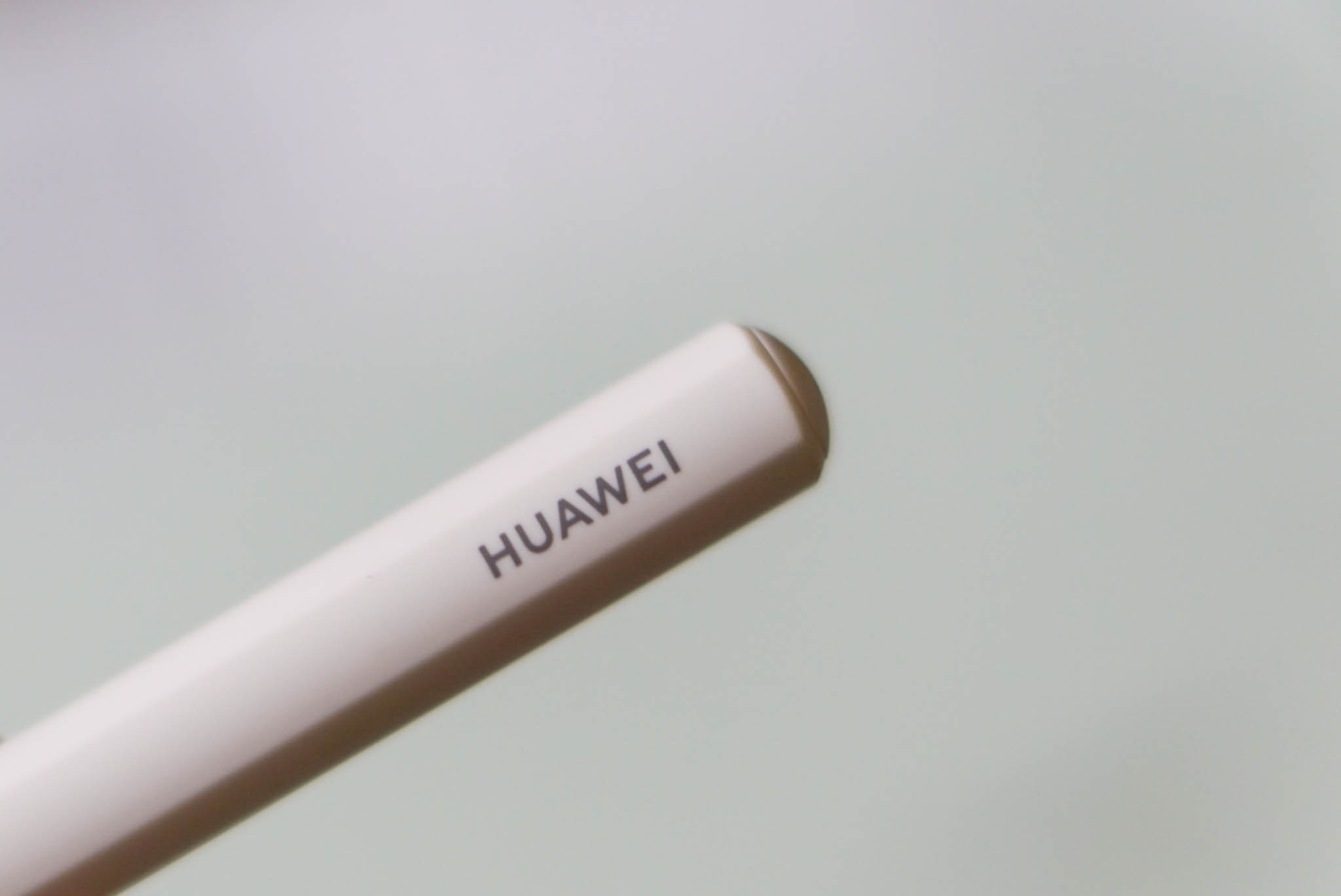
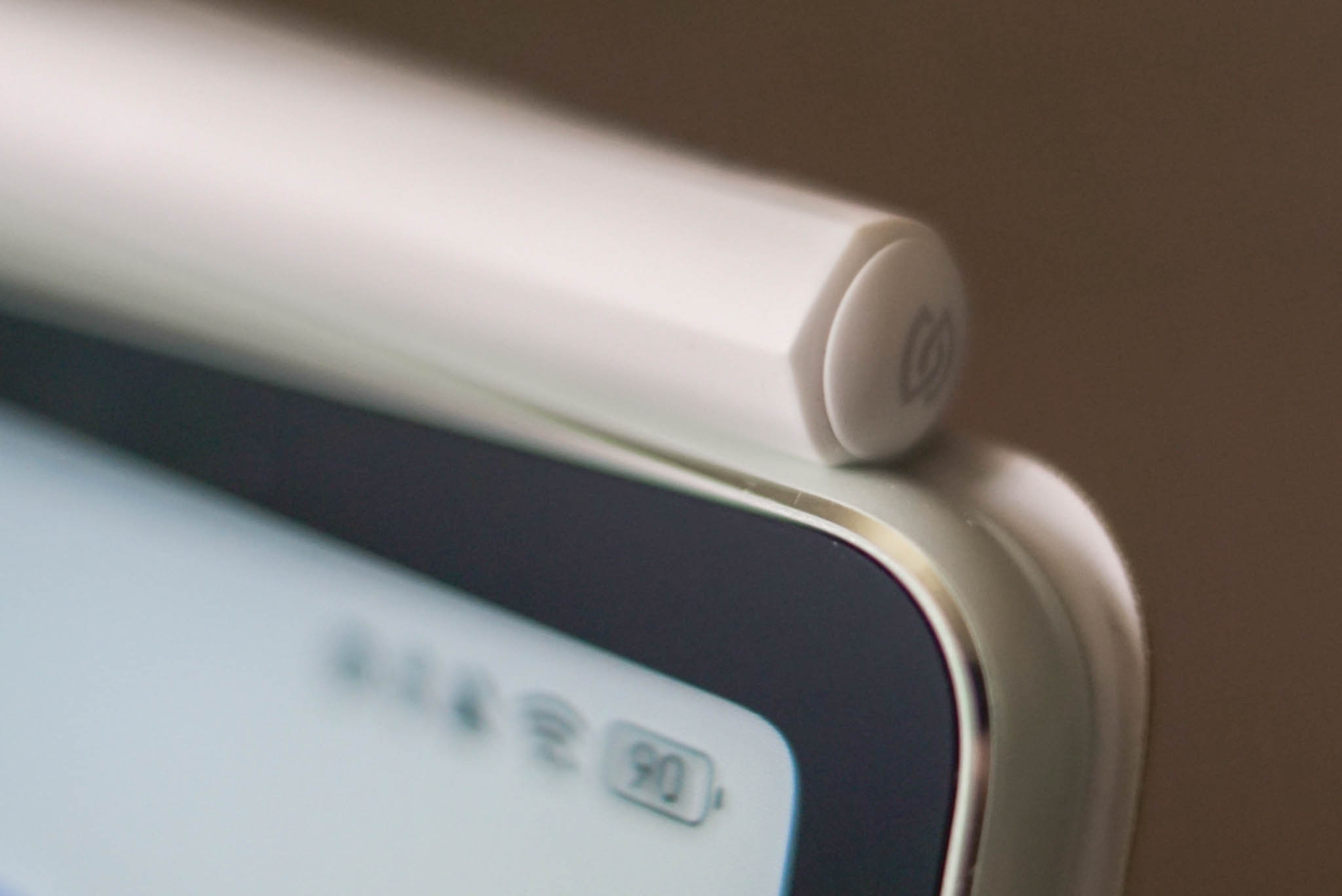
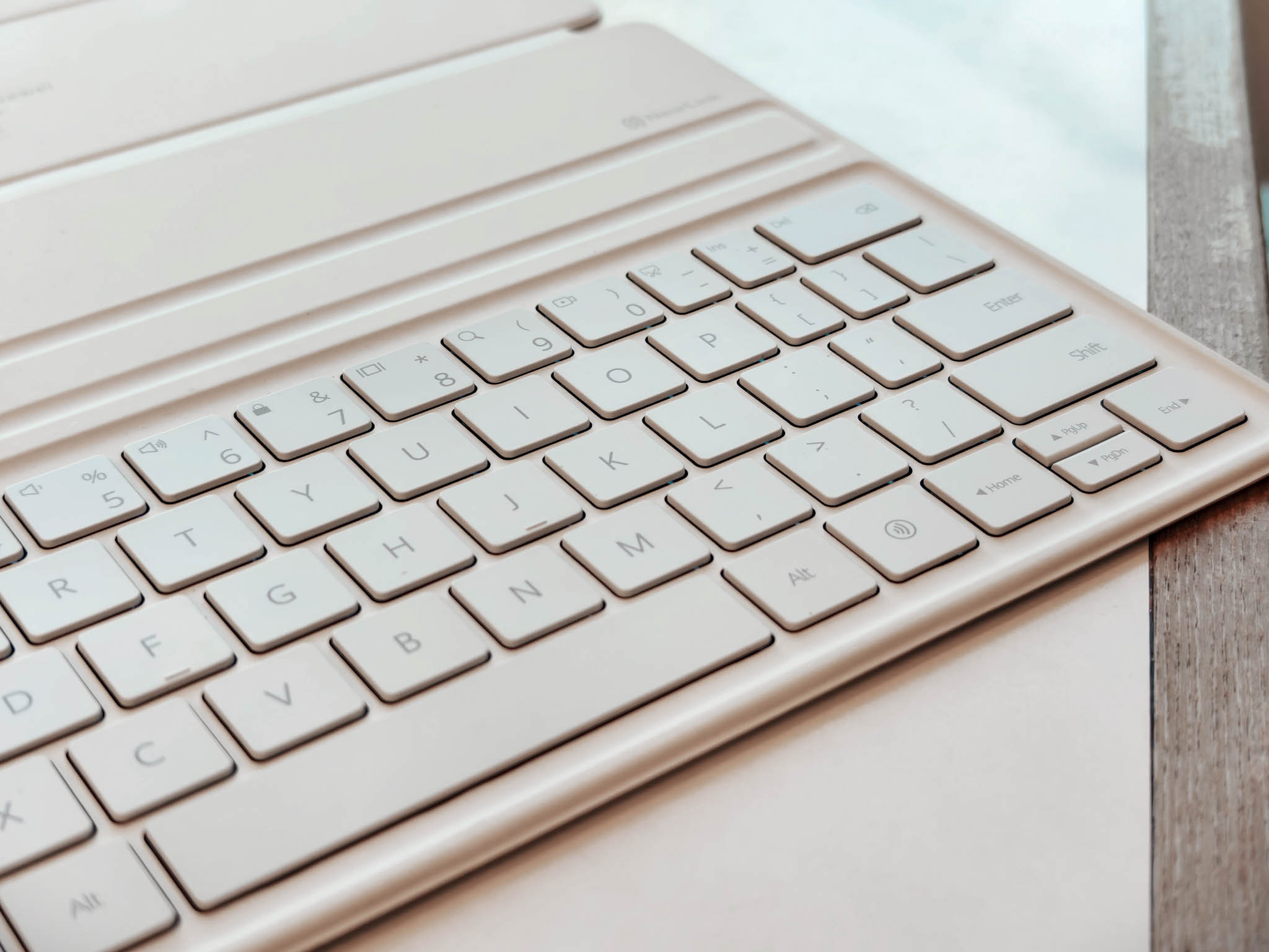
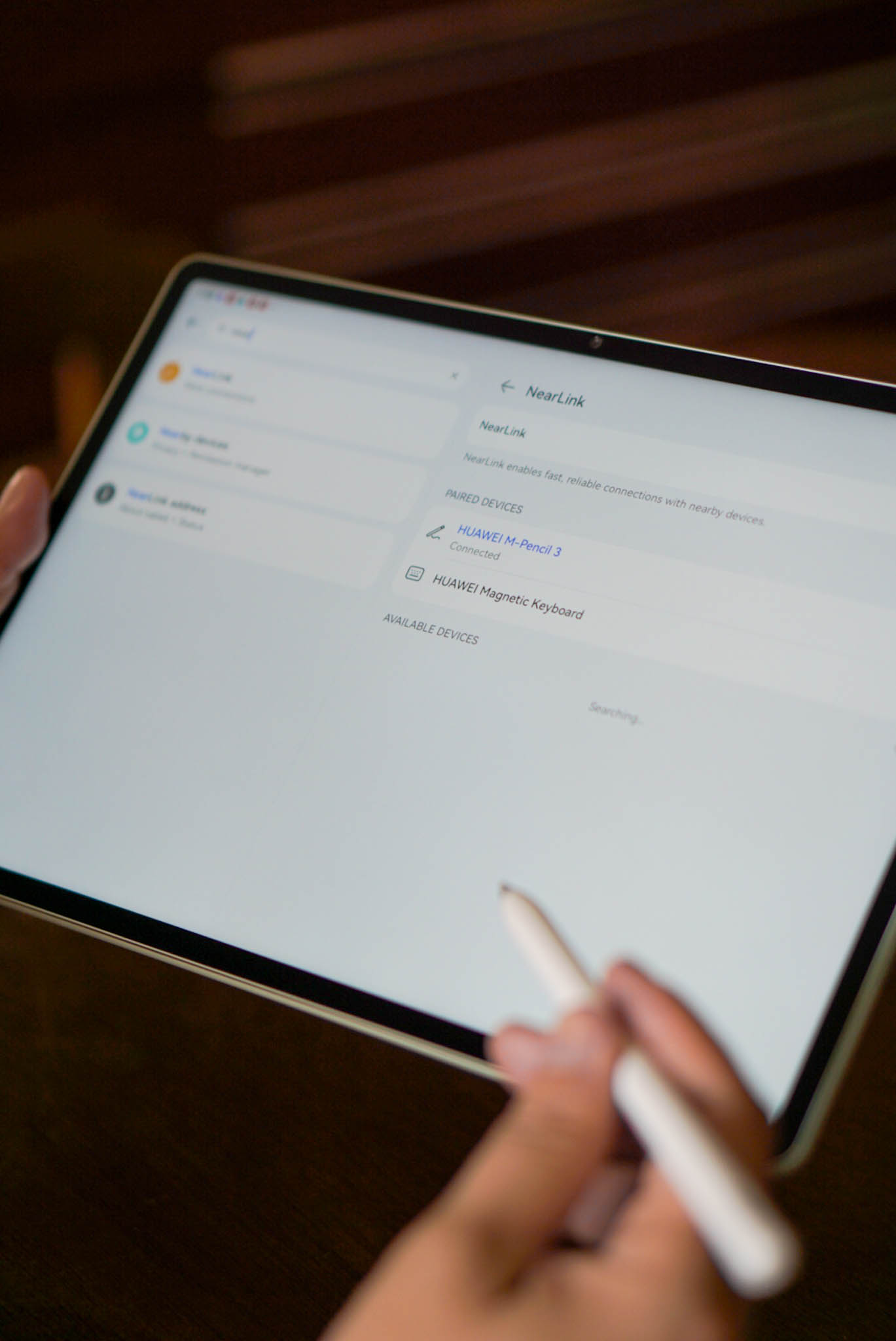
Both the keyboard and stylus pen charge automatically when attached to the tablet.
Battery Life
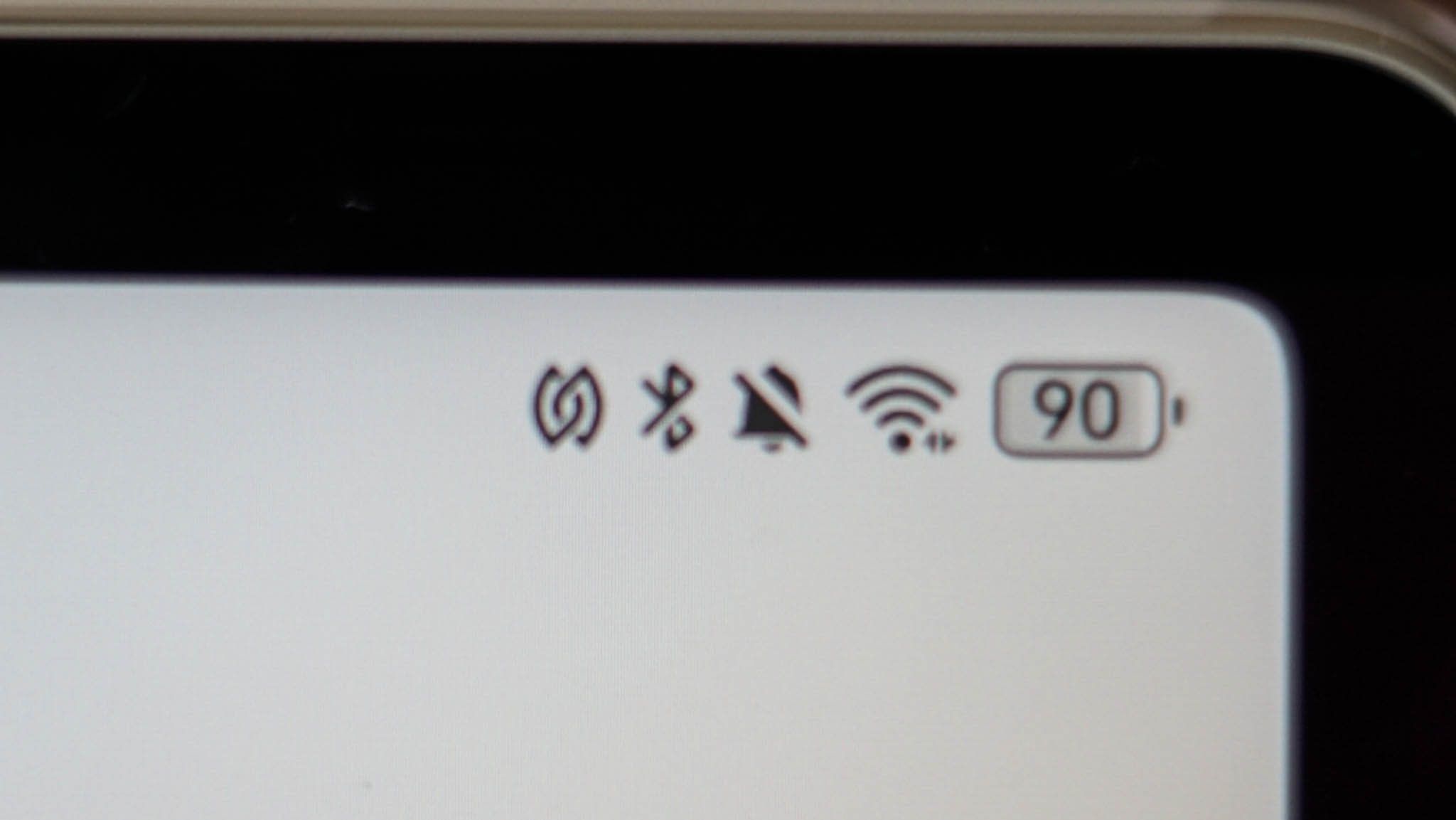
The HUAWEI Matepad 12 X has a 10,100mAh battery and supports 66W charging, which fully charges the tablet in about two hours. In contrast, the Matepad 11.5 S has an 8,800mAh battery and 24W charging, taking more than two hours to charge. We found both tablets to easily last over a day with our typical usage, including watching Netflix and YouTube, listening to Apple Music, browsing social media, sketching in GoPaint, and editing in Lightroom and CapCut.
Software
Both tablets run HarmonyOS 4.2 and have a lot of functions that we really like.
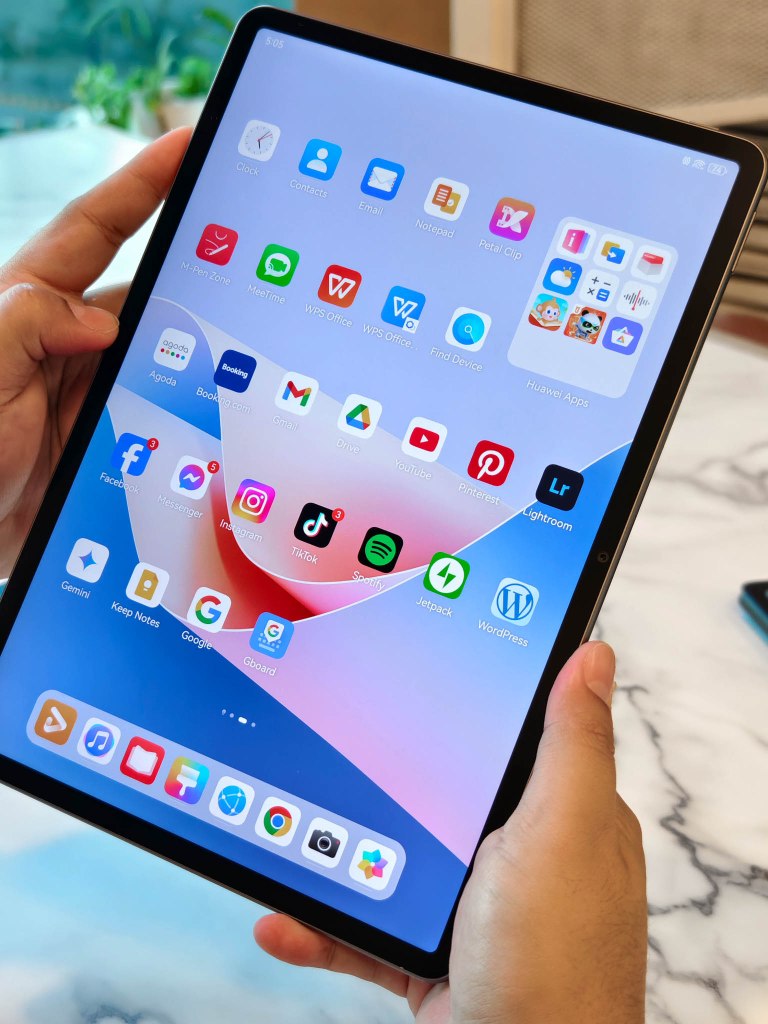
Free PC-level WPS Office – offers a desktop-like experience with featues like advanced PPT editing, WordArt Effects, SmartArt, Pivot Tablets, and Charts, similar to the PC. Using this app, we can often edit documents and files directly from email, without needing a desktop or laptop.
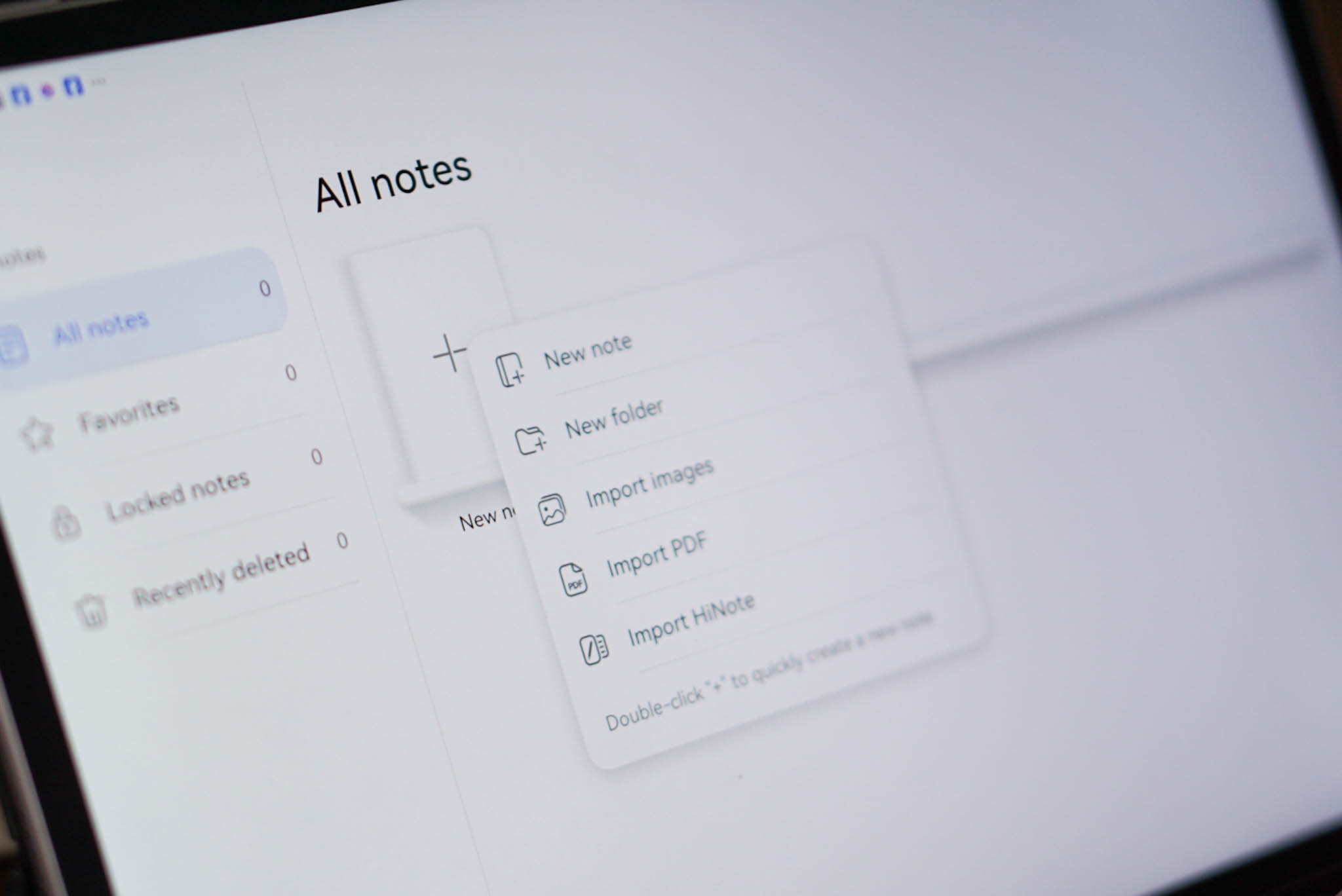
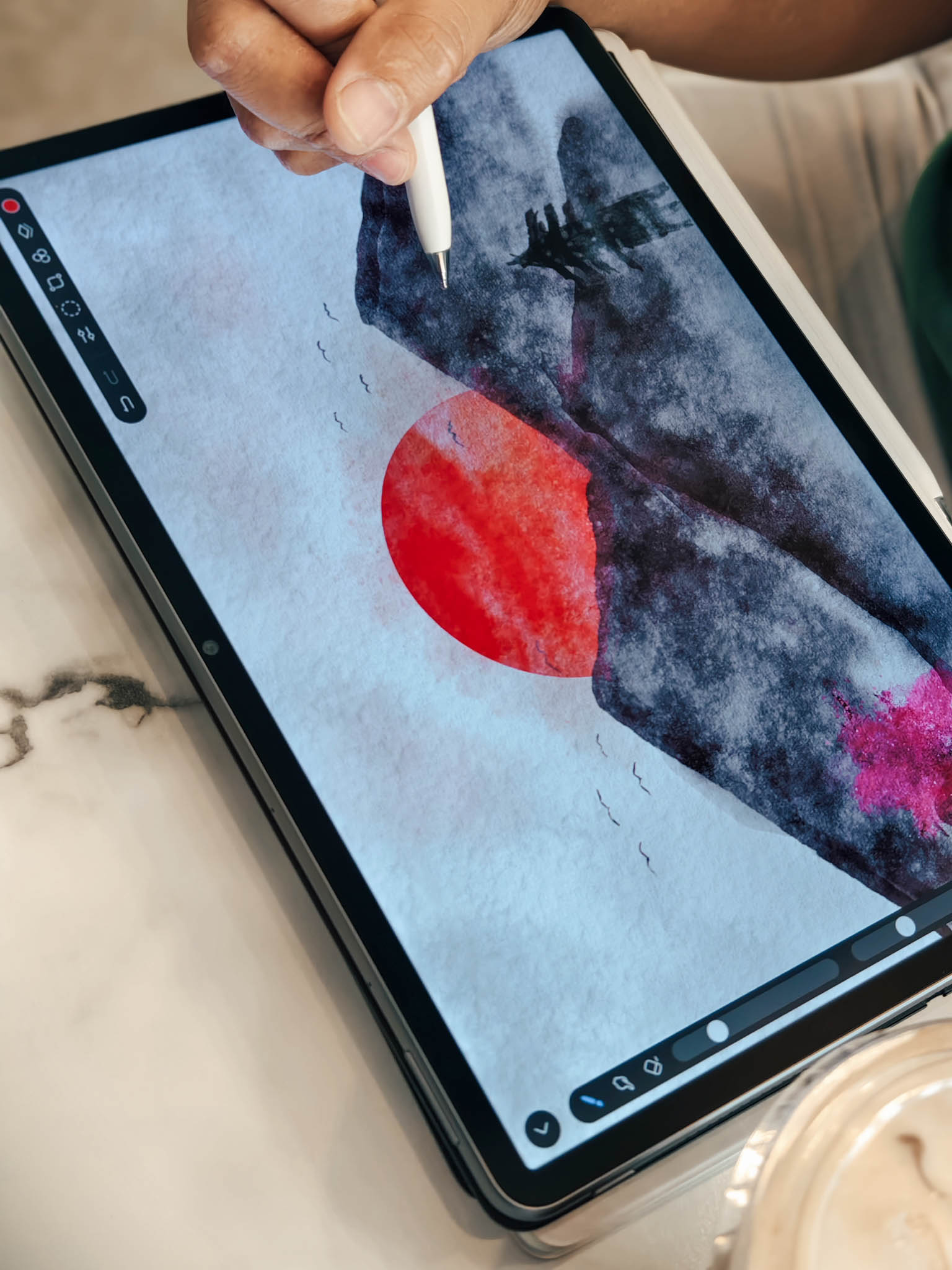
GoPaint app – A digital creation app that is full of advanced painting tools. usually use this app to create artwork when we need to take a break from work and unwind, and it also boosts our creativity.
Multi-screen Collaboration and SuperHub Easy File Transfer – These features allow us to connect our phone and tablet, enhancing productivity through operations such as phone screen mirroring, tablet-based phone app usage, cross-device file transfer, text sharing, and collaborative file editing.
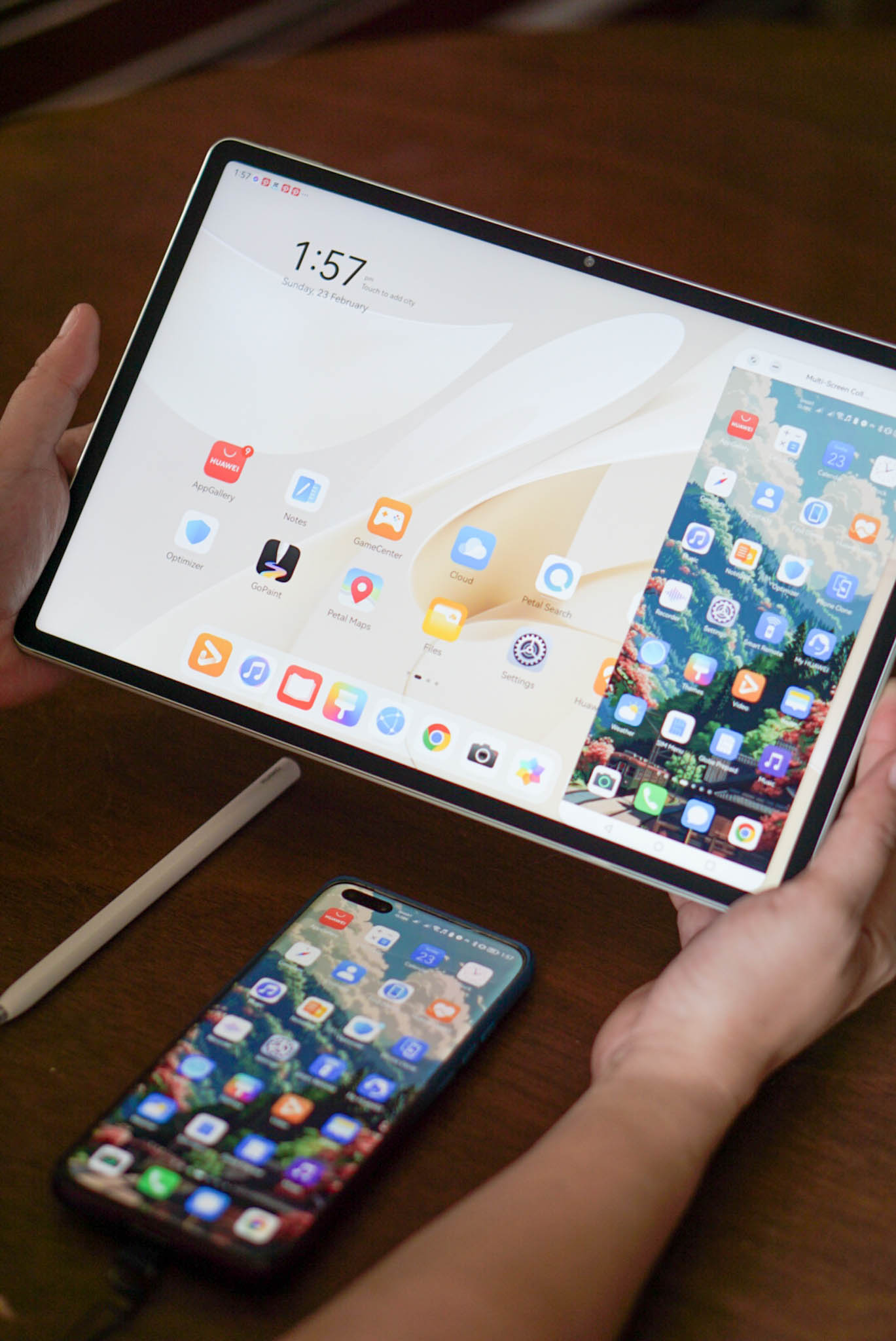
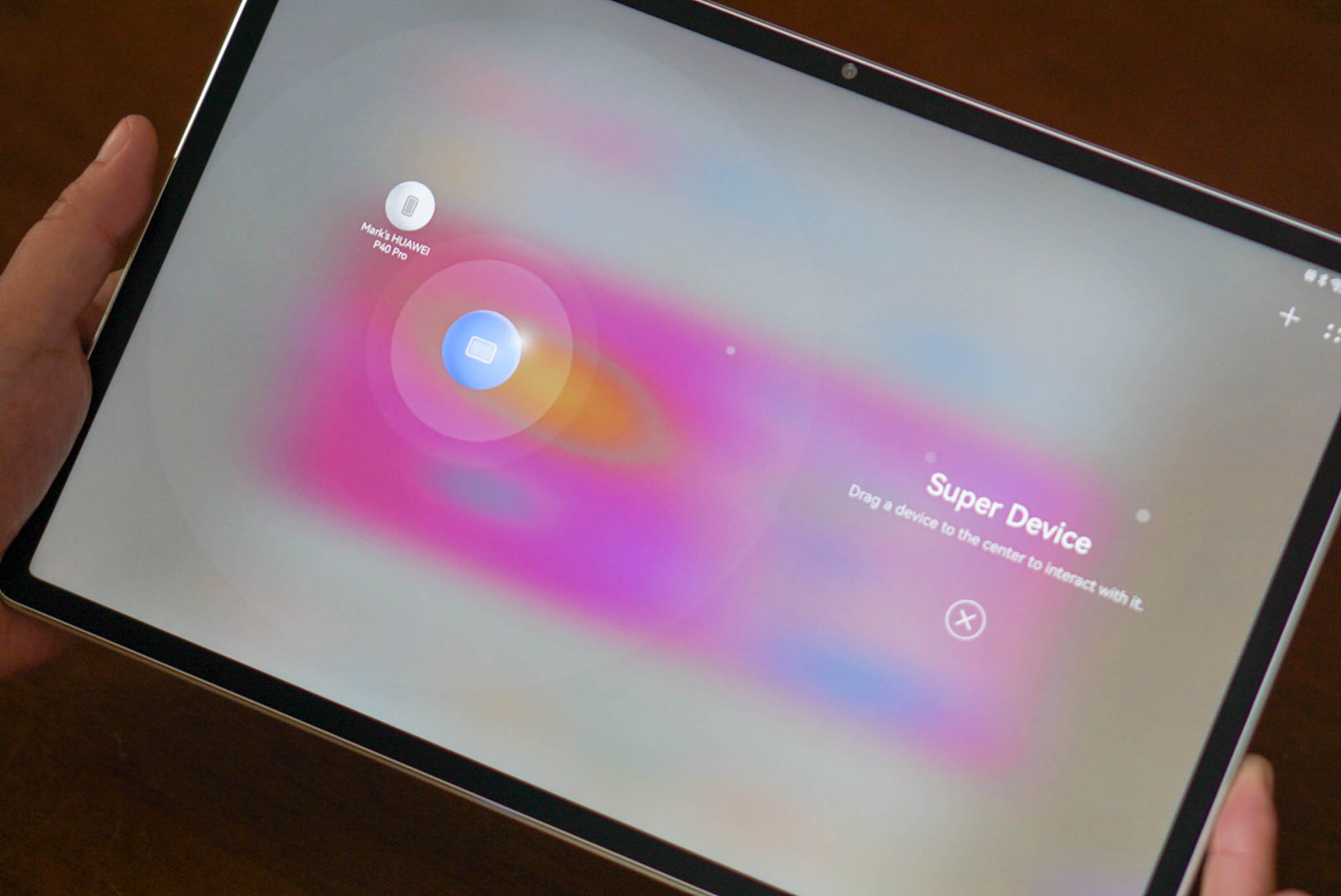
Since we have been HUAWEI users for a long time, we are not surprised that the devices are using HarmonyOS and do not have native Google apps installed, and we are accustomed to sideloading them. It might be difficult for you to use this if it is your first time using HUAWEI with HarmonyOS and some of the apps might not be compatible.

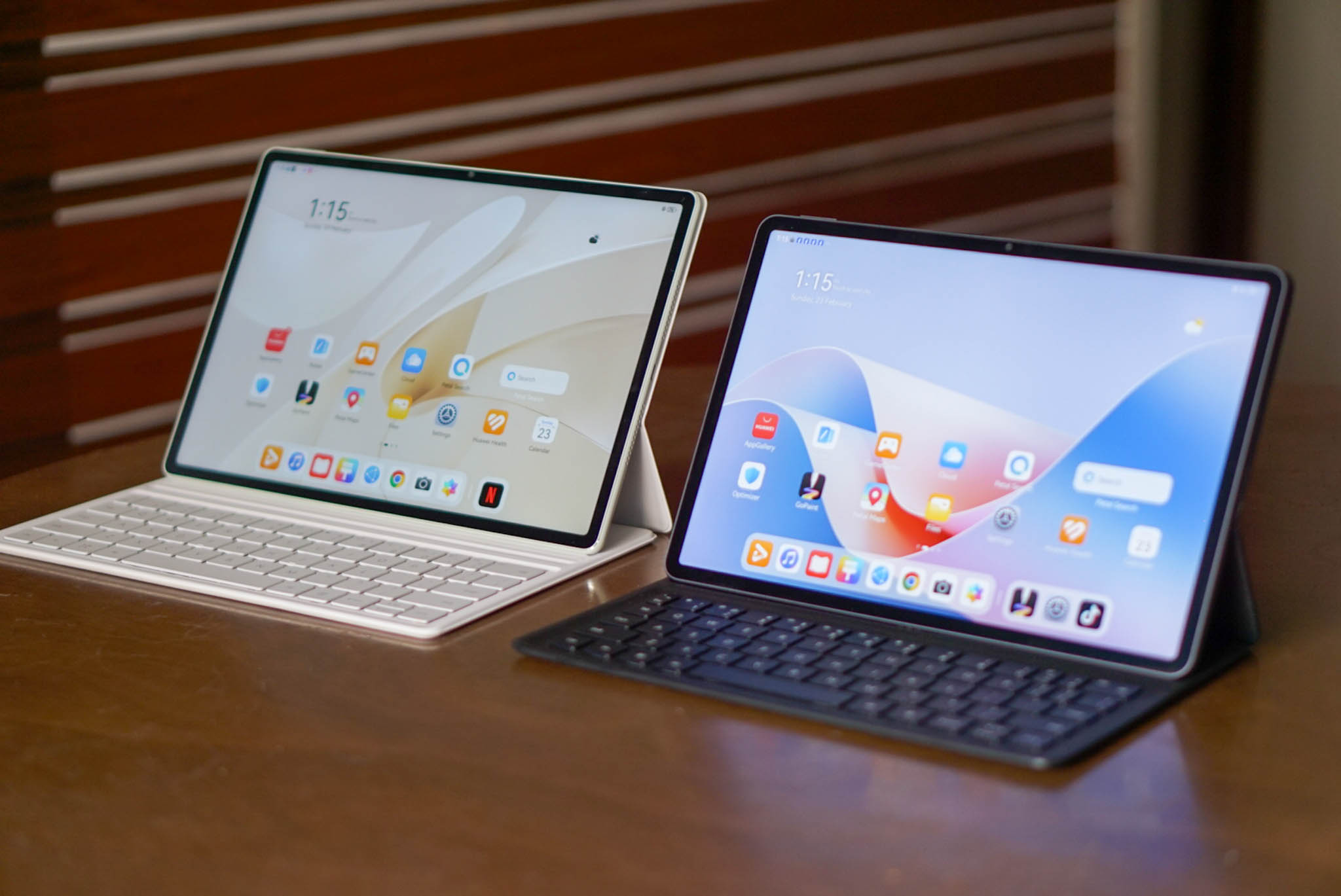
Overall, we’re happy with the HUAWEI Matepad 11.5 S and 12X. While they have some downsides, like app compatibility and charging speed, the price and specs are reasonable, and they perform their intended functions well.
To find out more about the HUAWEI Matepad 11.5 S, click here.
To find out more about the HUAWEI Matepad 12X, click here.
 whereatmnl
Leave a comment